I went down a rabbit hole looking for a way to play Tetris again. It started with Clive Thompson’s newsletter — item #2 in his linkfest talks up the game. A friend had just shown me his new handheld. A day later I had tabs open on a dozen ways to play. The Mac side took the most digging, so here’s the rundown for anyone else in the same spot.
Handhelds
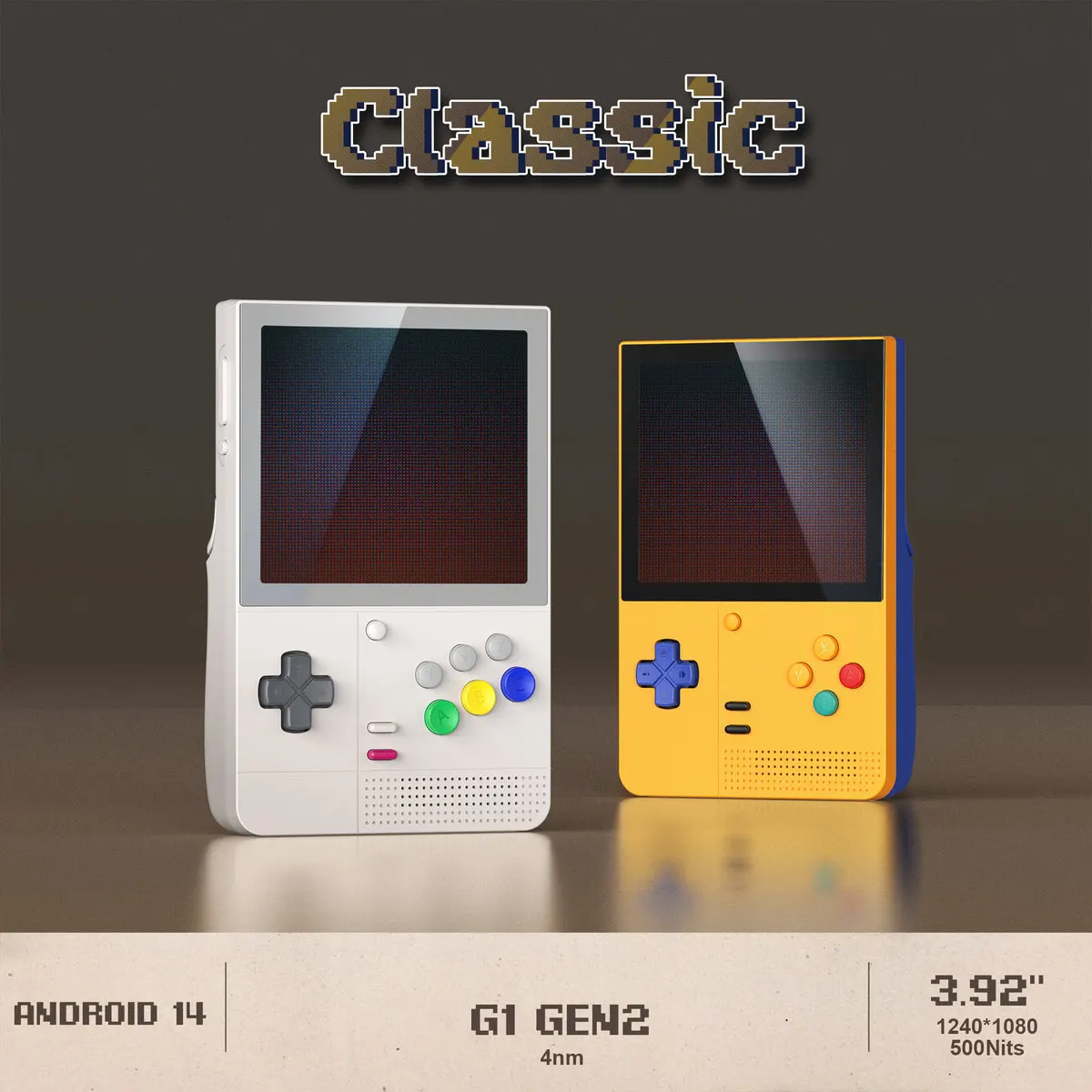
Retroid Pocket Classic — small Game Boy-style handheld that runs ROMs you download from archive.org. Cheap, simple, plays Tetris and a few decades of other games. The catch is sourcing ROMs yourself.
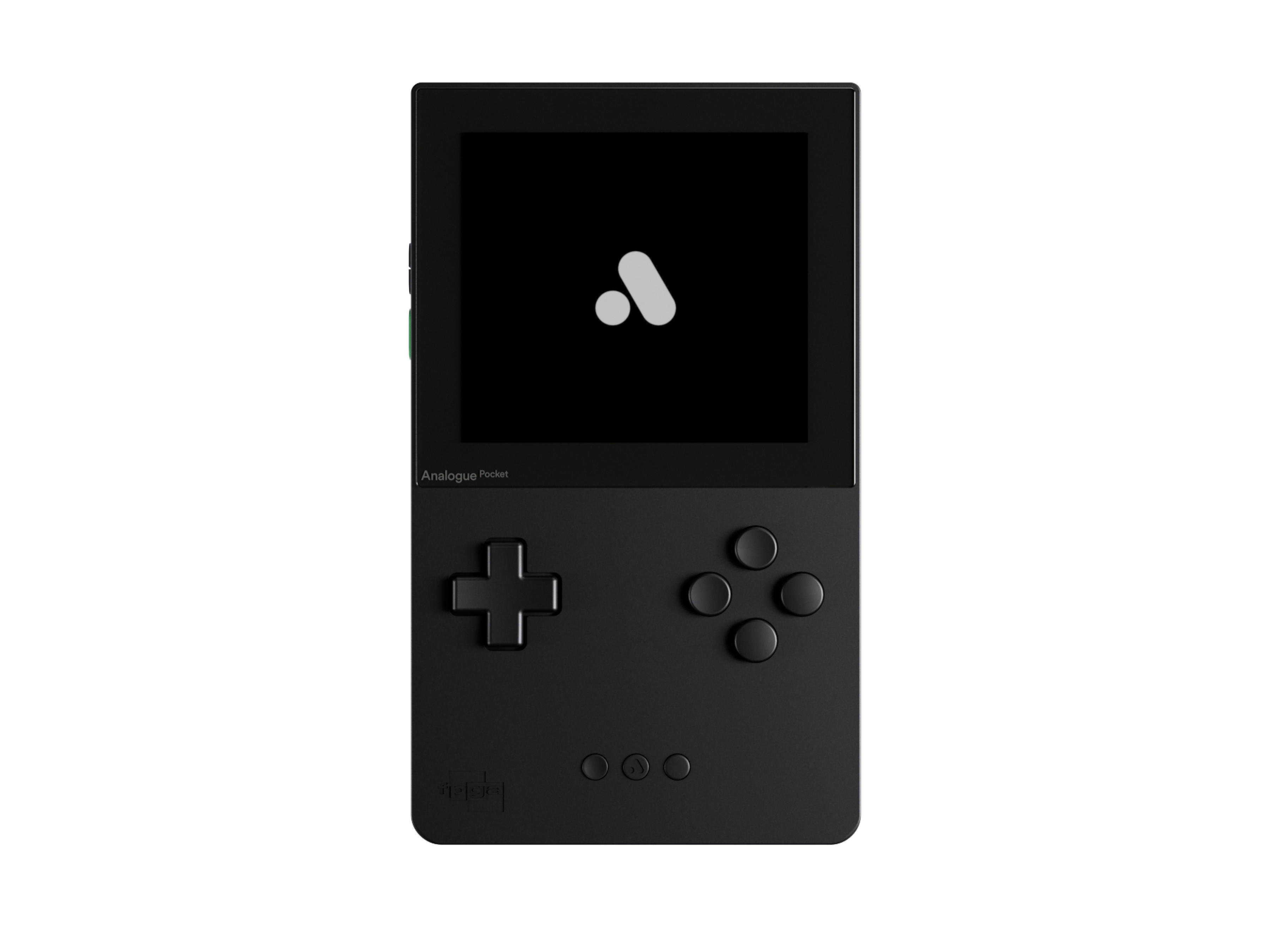
Analogue Pocket — a more polished take from a different company. It plays original Game Boy and Game Boy Color cartridges — no ROMs, no emulator. An FPGA inside mimics the original chips, so the games run as they did in 1989. You pay more and you need cartridges, but if you already own a copy of Tetris on Game Boy, this is the cleanest route.
Steam Deck — overkill for Tetris alone, but if you already own one, Tetris Effect: Connected and Puyo Puyo Tetris 2 both run well on it.
Console
The Switch has the deepest official Tetris catalog of any platform. The eShop currently lists:
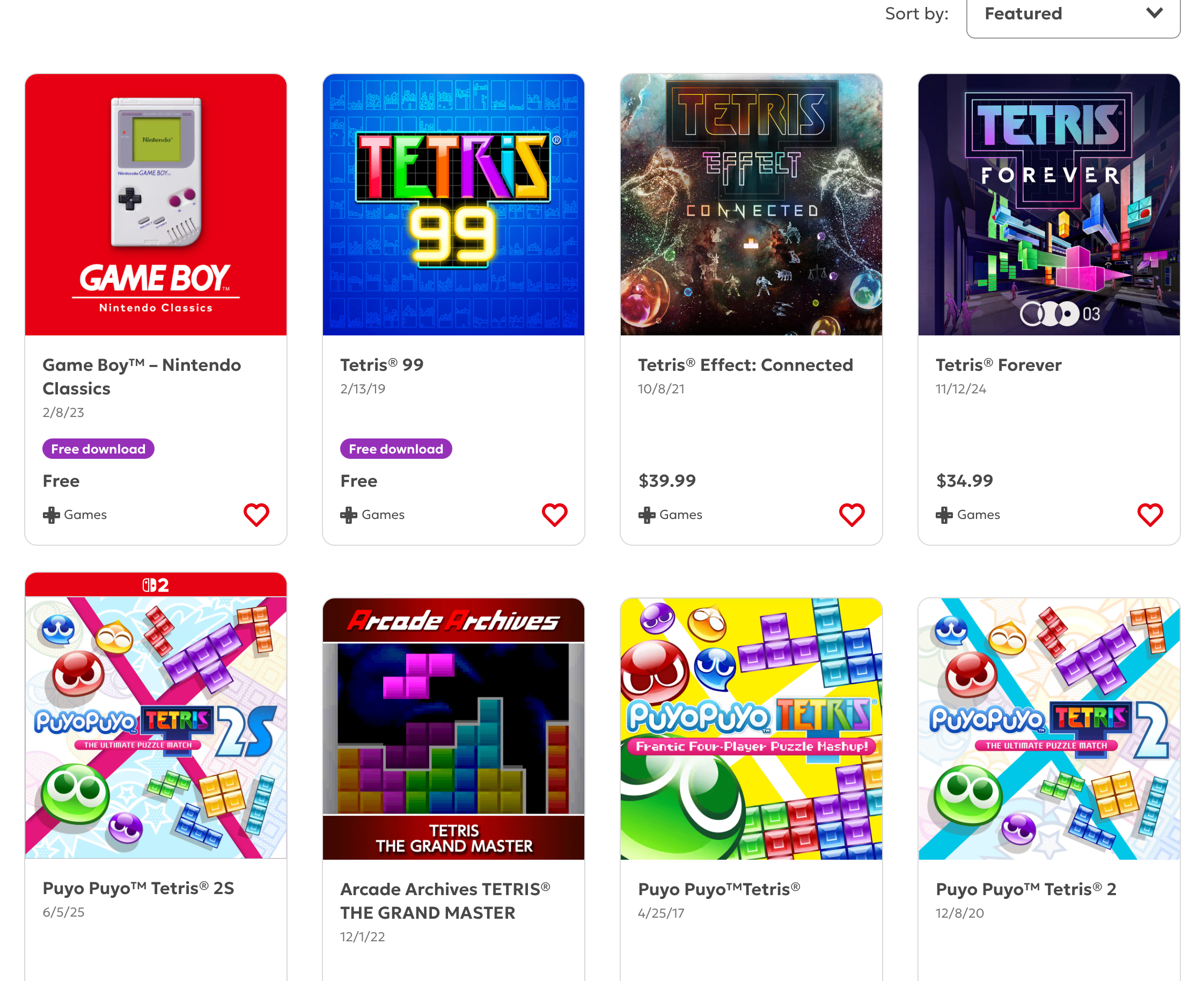
- Tetris 99 — free with Nintendo Switch Online ($20/year). 99-player battle royale, the headliner.
- Game Boy – Nintendo Classics — also free with NSO. Includes the original 1989 Game Boy Tetris.
- Tetris Effect: Connected ($39.99) — the audiovisual showcase, with single-player and online co-op/versus.
- Tetris Forever ($34.99) — a 2024 collection from Digital Eclipse covering classic Tetris games from the Nintendo and Sega eras, plus a new entry called Tetris Time Warp.
- Puyo Puyo Tetris and Puyo Puyo Tetris 2 — Tetris crossed with Puyo Puyo, story mode and competitive online. A Switch 2 version (Puyo Puyo Tetris 2S) shipped in 2025.
- Arcade Archives: Tetris The Grand Master — Hamster’s port of the 1998 arcade original, for purists.
The hardware: the Switch Lite is $214, the original Switch is around $322, and the Switch 2 is $449.99. The Lite is the interesting one for this comparison — at $214 it’s basically the same price as the Analogue Pocket ($220), and unlike the Pocket it gets you online multiplayer Tetris. The Pocket wins on size — small enough to grab casually off a desk. The Lite wins on online play. All three Switches are bigger than I’d like in a pocket. Hard to justify if Tetris is the only thing you’re playing — but if you already have one with NSO, you have two Tetrises for free already.
Phone
Tetris (iOS / Android) — the official mobile app. Free with ads, paid tier removes them. Convenient, ugly, fine for a subway ride.
Mac
No native Mac app from The Tetris Company, but they do run an official browser version, and the unofficial scene is strong on top of that. (John Gruber walked this same road on Daring Fireball in 2024 and landed on the same shortlist with sharper opinions about The Tetris Company than I’d put in writing.)
tetris.com — the official browser game, free with ads. Single-player, modern controls, no install. The most legitimate option, if not the deepest.
Tetris Effect: Connected — the prettiest official version, but Windows/console only. Playable on a Mac through CrossOver or cloud streaming if you really want it.
tetr.io — free, runs in any browser, modern multiplayer with ranked play and leagues. Unofficial, but the competitive Tetris community lives here. If you want one Mac option for actually playing a lot, this is it.
jstris — another free browser version. Lighter, faster to jump into, also has multiplayer.
Fightcade — arcade emulator with built-in matchmaking. Plays NES Tetris and other classics with online opponents. The fighting-game community keeps it alive; Tetris is along for the ride.
OpenEmu — Mac-native emulator front-end. Drop in a Game Boy or NES Tetris ROM and it runs. Single-player only unless you wire up netplay yourself.
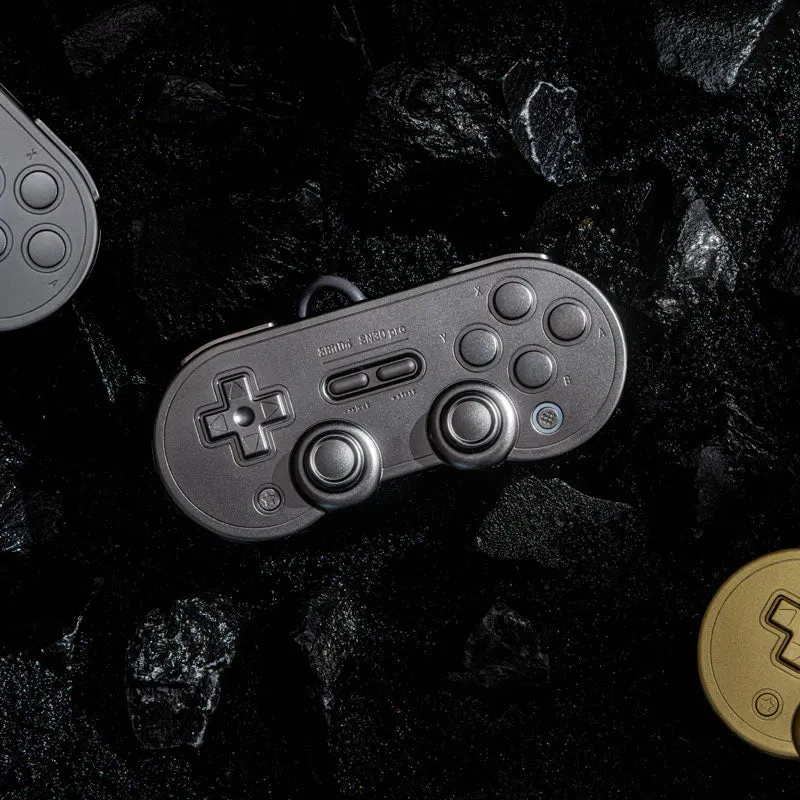
A keyboard works for any of these. A controller feels right. The 8BitDo SN30 Pro is a SNES-style Bluetooth pad that pairs with the Mac and costs around $50.
Where I landed
Still deciding. The Analogue Pocket is the most appealing object, but it’s $220 plus cartridges. tetr.io plus an 8BitDo on the Mac I already own is closer to $50 and has the deepest player base. The Retroid sits in between. I’ll start in the browser, see how often I play, then decide if hardware is worth it.